Practical fit
less friction between design intent and shop-ready communication

SolidWorks Integration is a strong fit for design teams that want a smoother handoff from CAD work into fabrication review. Our team helps customers in Riverside and across the Inland Empire move projects forward with practical review, clear communication, and fabrication support that matches the real demands of the job.
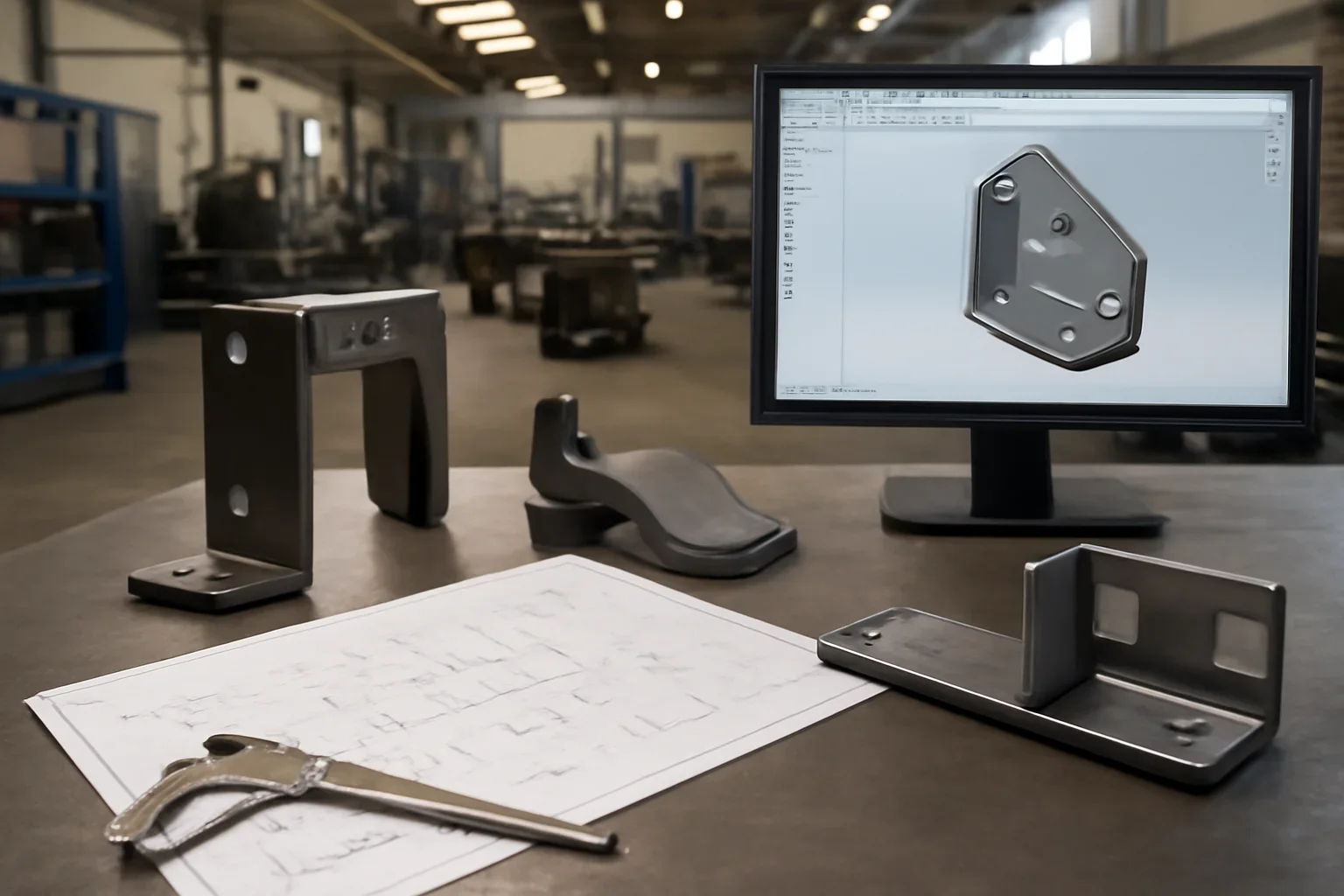
less friction between design intent and shop-ready communication
better visibility into revision control and missing details
helps avoid delays caused by mismatched files or incomplete packages
Cad-native workflows supported by exported production files and clear notes. That matters because fabrication choices tend to compound once material is ordered, bends are programmed, or weld sequence is locked.
Review of geometry, dimensions, material, and release status before fabrication begins. A stronger review keeps the conversation grounded in the way the part will actually be used, assembled, delivered, or repeated later.
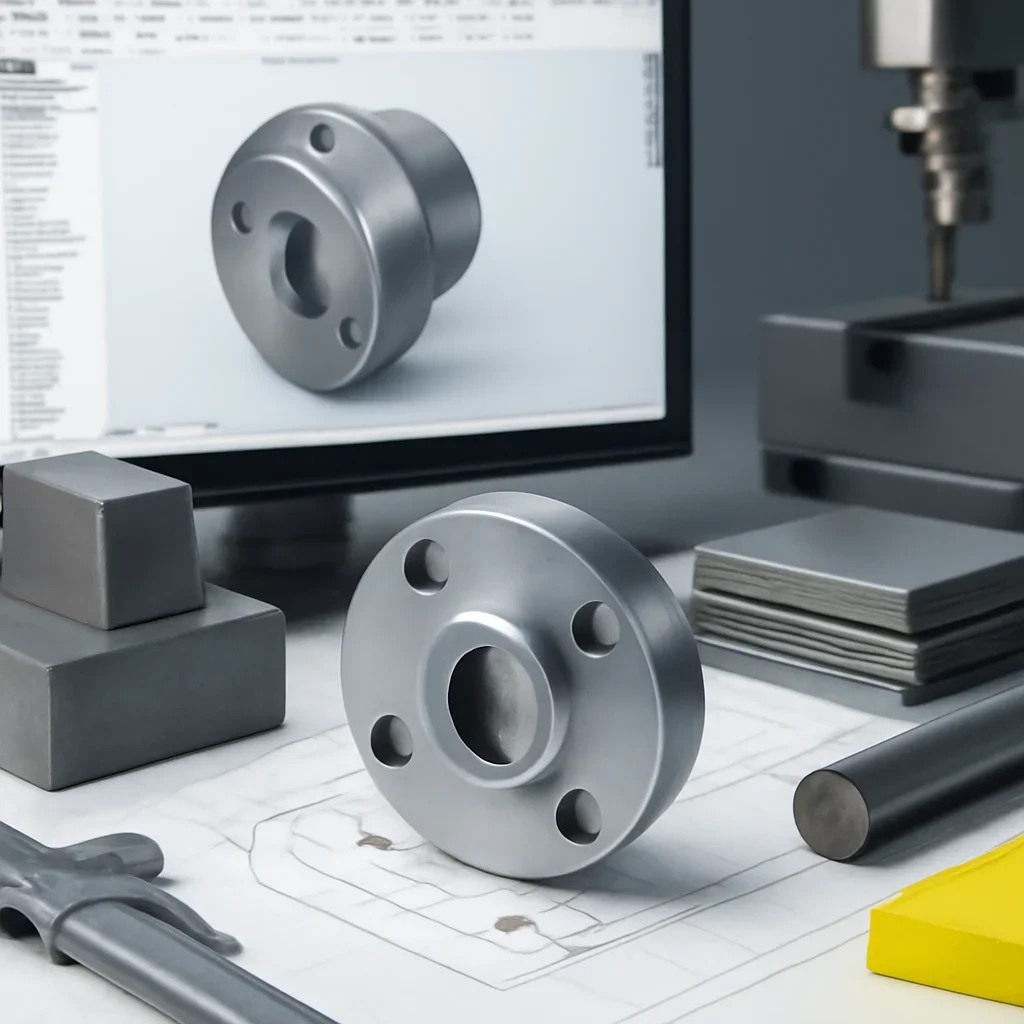
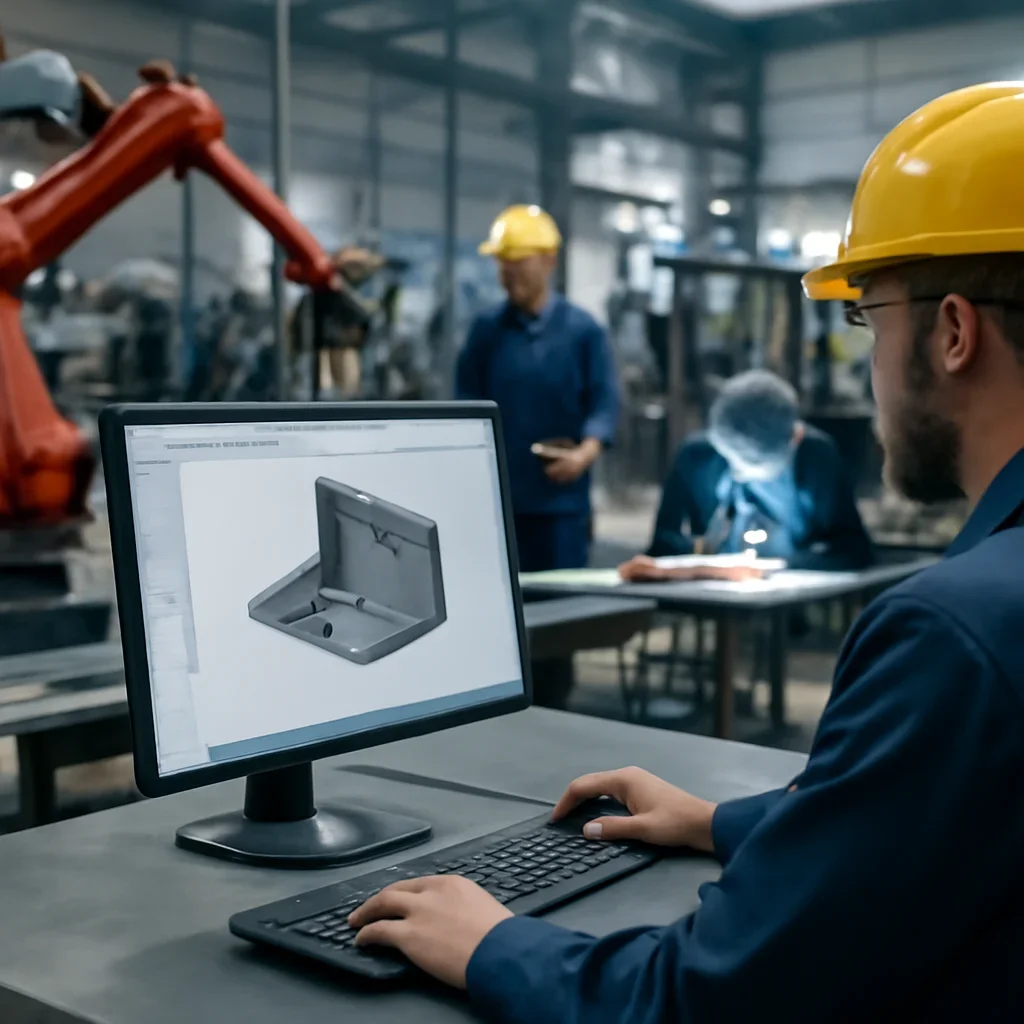
Most projects move best when drawings, quantities, material preferences, and timing are reviewed together. That keeps the quoting conversation tied to the real scope instead of a partial picture.
When questions show up early, they are easier to solve. That is especially true for custom work, replacement parts, prototype learning, and jobs that may turn into repeat production.
Clean revision control, the right export format, clear notes, and no ambiguity around material, quantity, or critical requirements.
Usually yes. Supporting drawings, notes, or reference images help explain what matters most in production.
Use consistent naming, release dates, version notes, and one clear package for the current job.
Send the files, quantities, material notes, and target timing you have today. We will review the scope and outline the most practical next step for your project.