Practical fit
faster review when profile geometry arrives in a production-friendly format

DXF File Upload is a strong fit for buyers and engineers sending profile-based parts that start from clean 2D geometry. Our team helps customers in Riverside and across the Inland Empire move projects forward with practical review, clear communication, and fabrication support that matches the real demands of the job.
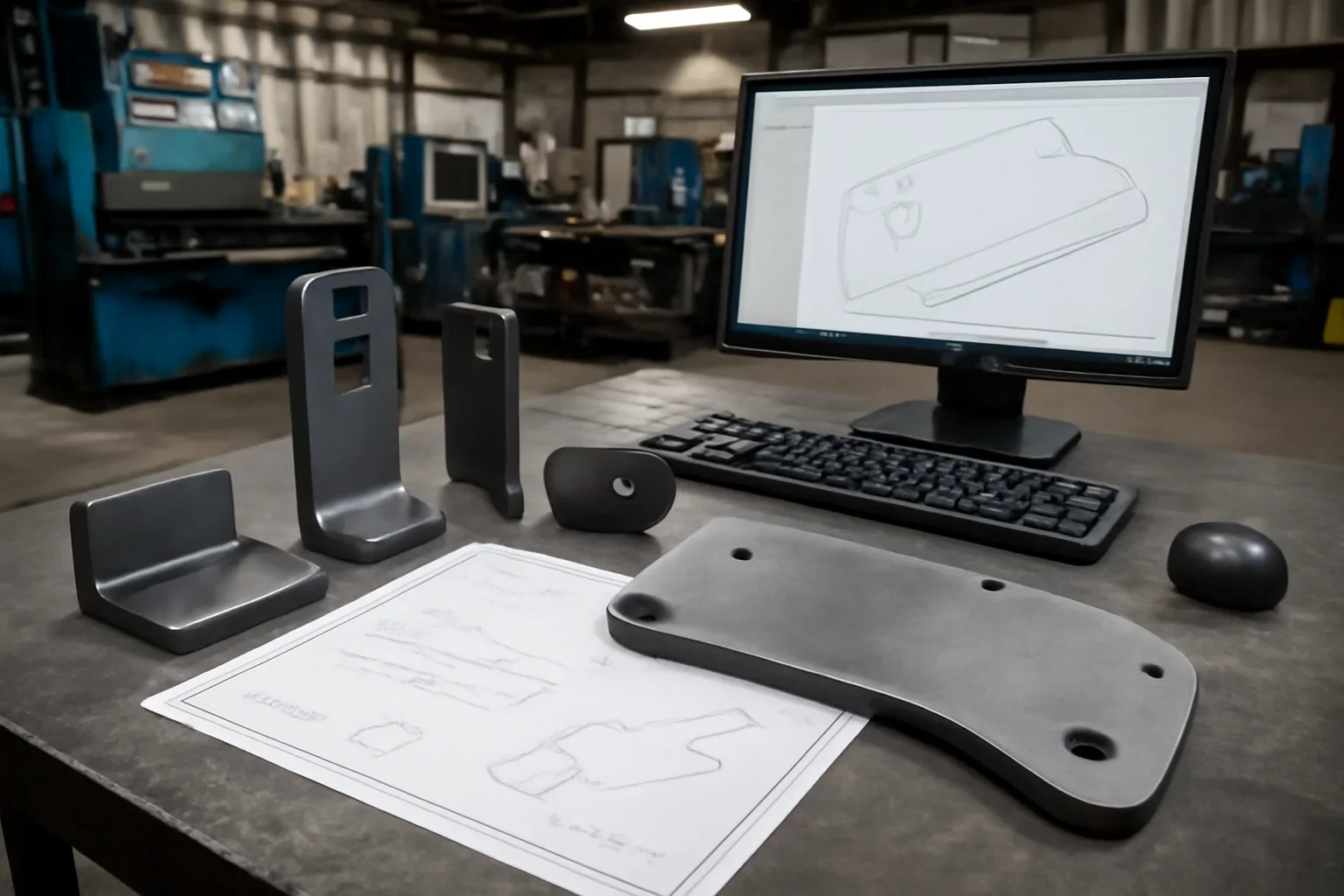
faster review when profile geometry arrives in a production-friendly format
helpful for cut parts, blanks, and many bend-ready components
reduces avoidable delays caused by redrawing simple shapes
Dxf files for flat patterns, cutouts, hole locations, and profile features. That matters because fabrication choices tend to compound once material is ordered, bends are programmed, or weld sequence is locked.
Paired with material, thickness, quantity, and finish notes for a cleaner rfq. A stronger review keeps the conversation grounded in the way the part will actually be used, assembled, delivered, or repeated later.
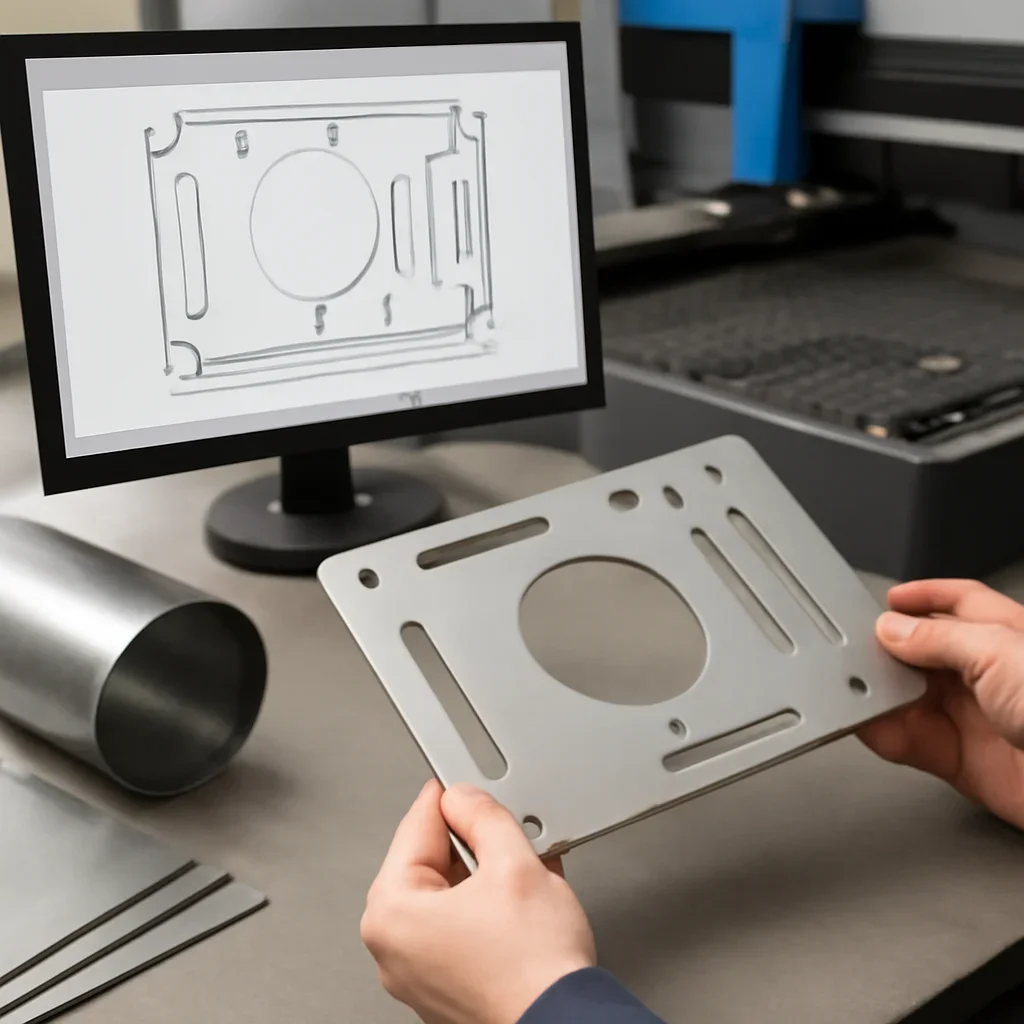
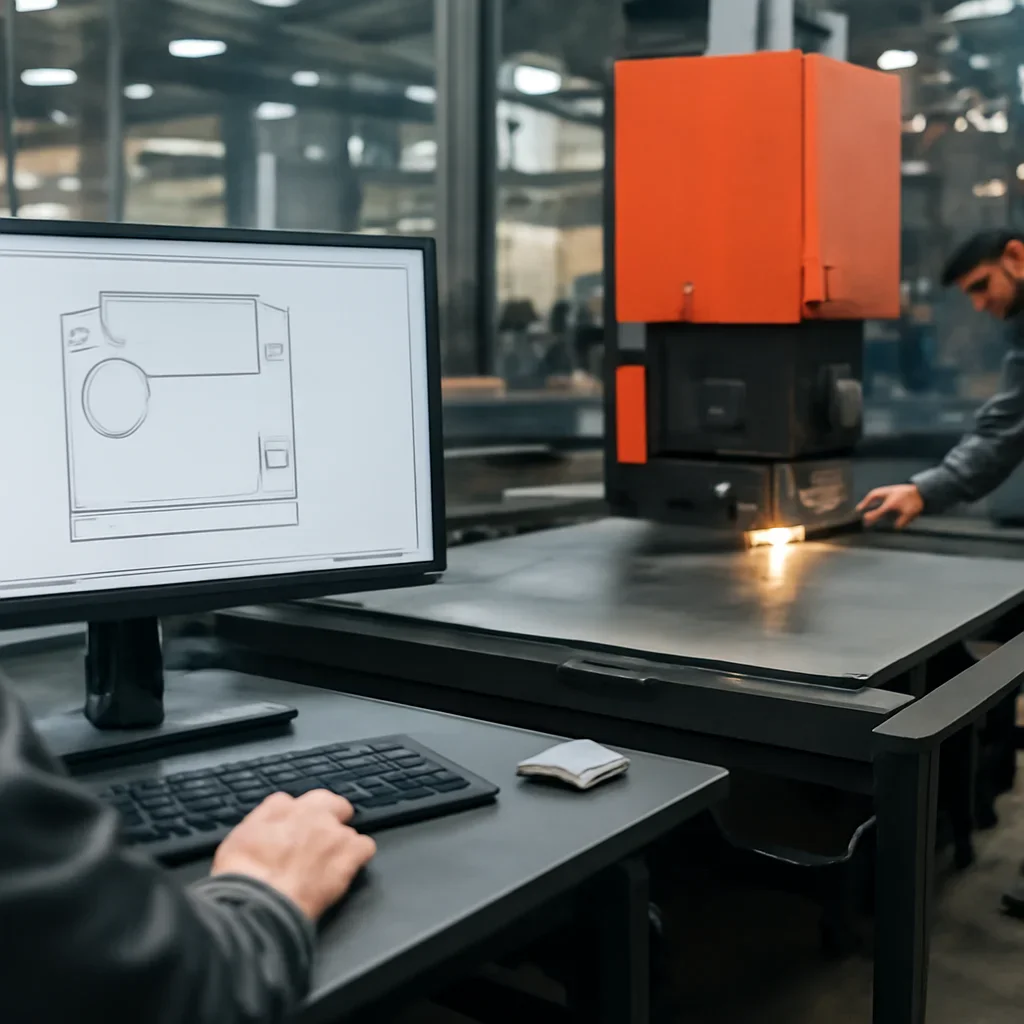
Most projects move best when drawings, quantities, material preferences, and timing are reviewed together. That keeps the quoting conversation tied to the real scope instead of a partial picture.
When questions show up early, they are easier to solve. That is especially true for custom work, replacement parts, prototype learning, and jobs that may turn into repeat production.
Material, thickness, quantity, bend notes if relevant, finish requirement, and any critical dimensions should travel with the file.
Sometimes, but not always. If the part has forming, tight tolerances, or assembly requirements, additional notes or drawings help.
Clear naming and revision tracking reduce the chance of quoting or building from the wrong version.
Send the files, quantities, material notes, and target timing you have today. We will review the scope and outline the most practical next step for your project.